Computer Vision Syndrome (Digital Eye Strain)
Explore common causes of screen-related discomfort, how blinking and workstation setup affect your eyes, and when persistent symptoms need an examination.
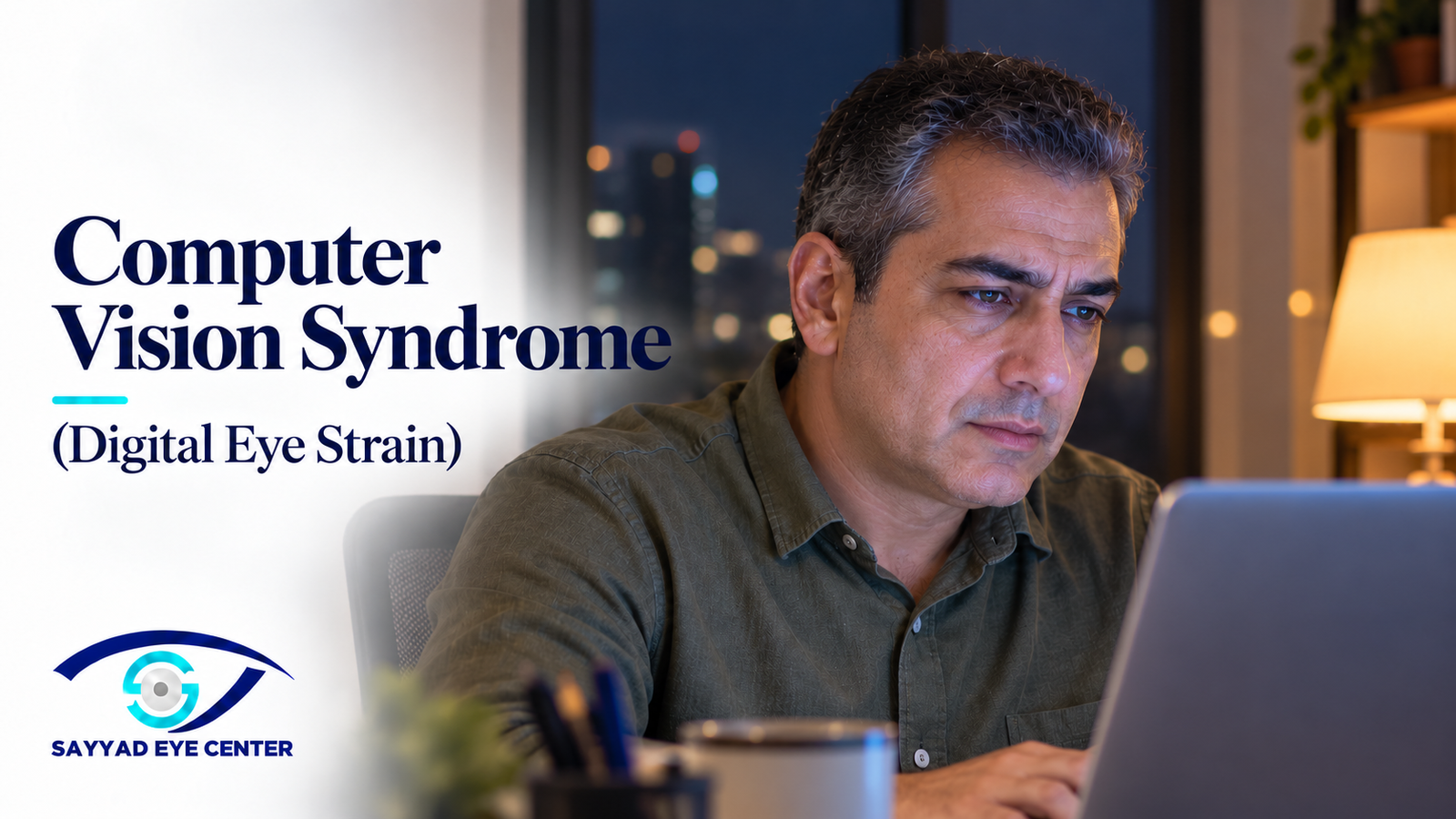
Why screens make your eyes tired—and what actually helps
Your eyes feel comfortable in the morning. By the afternoon, the words on your laptop look less steady, your eyes burn or water, and you keep blinking to clear your vision. You may also notice a headache or an ache around your eyes.
This pattern is often called computer vision syndrome (CVS), also known as digital eye strain. It can happen with phones, tablets and other screens—not only computers. It describes a group of symptoms rather than one disease with one treatment.
The aim is to understand what is causing your discomfort and make screen use more comfortable. Buying a special pair of glasses is not always the answer.
What symptoms can it cause?
Common symptoms include tired or aching eyes, burning, grittiness, watering, fluctuating blur and headaches. Some people find it difficult to shift focus from their screen to a distant object. Neck and shoulder discomfort may accompany an uncomfortable workstation position.
Symptoms often develop during prolonged screen work and improve with a break. Persistent blur, significant pain or symptoms mainly in one eye deserve examination rather than an assumption that the screen is responsible.
Why does it happen?
There are two important contributors. The eye surface may become uncomfortable as blinking changes and the tear film becomes less stable. Separately, sustained near focus can expose an unsuitable glasses prescription or difficulty coordinating the two eyes.
Small text, glare, close viewing distances, long uninterrupted sessions and poor posture can add to the problem. These factors can overlap. Not everyone with computer vision syndrome has dry-eye disease, and not every dry eye problem is caused by screens.
Dryness, blinking and the tear film
A complete blink spreads tears over the cornea. During concentrated screen work, some people blink less often or incompletely. The tear film can break up between blinks, contributing to irritation and variable vision.
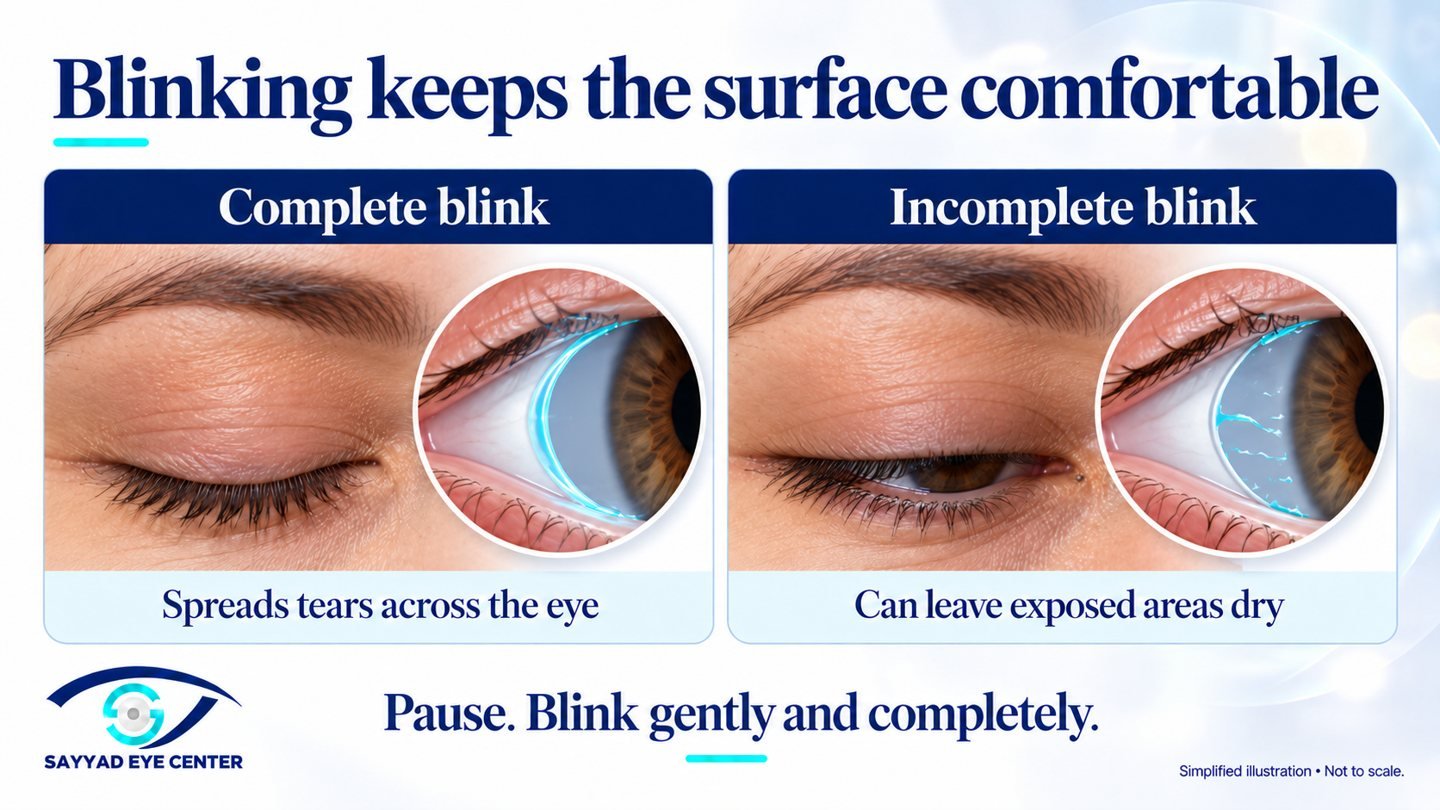
Air conditioning blowing towards your face, contact lenses and pre-existing dry eye may make the symptoms more noticeable. Watering does not rule out dryness: an irritated eye can produce reflex tears.
TFOS—the Tear Film & Ocular Surface Society—addresses these issues in its digital-environment report. Its 2025 Dry Eye Workshop III (TFOS DEWS III) emphasizes identifying the causes of dry eye and matching treatment to them, rather than giving everyone the same drops.
The 20-20-20 rule: how to use it
Every 20 minutes, look away from the screen towards something about 20 feet, or six metres, away for at least 20 seconds. A view across the room or through a window is useful. Switching from your laptop to your phone is not a distance break.
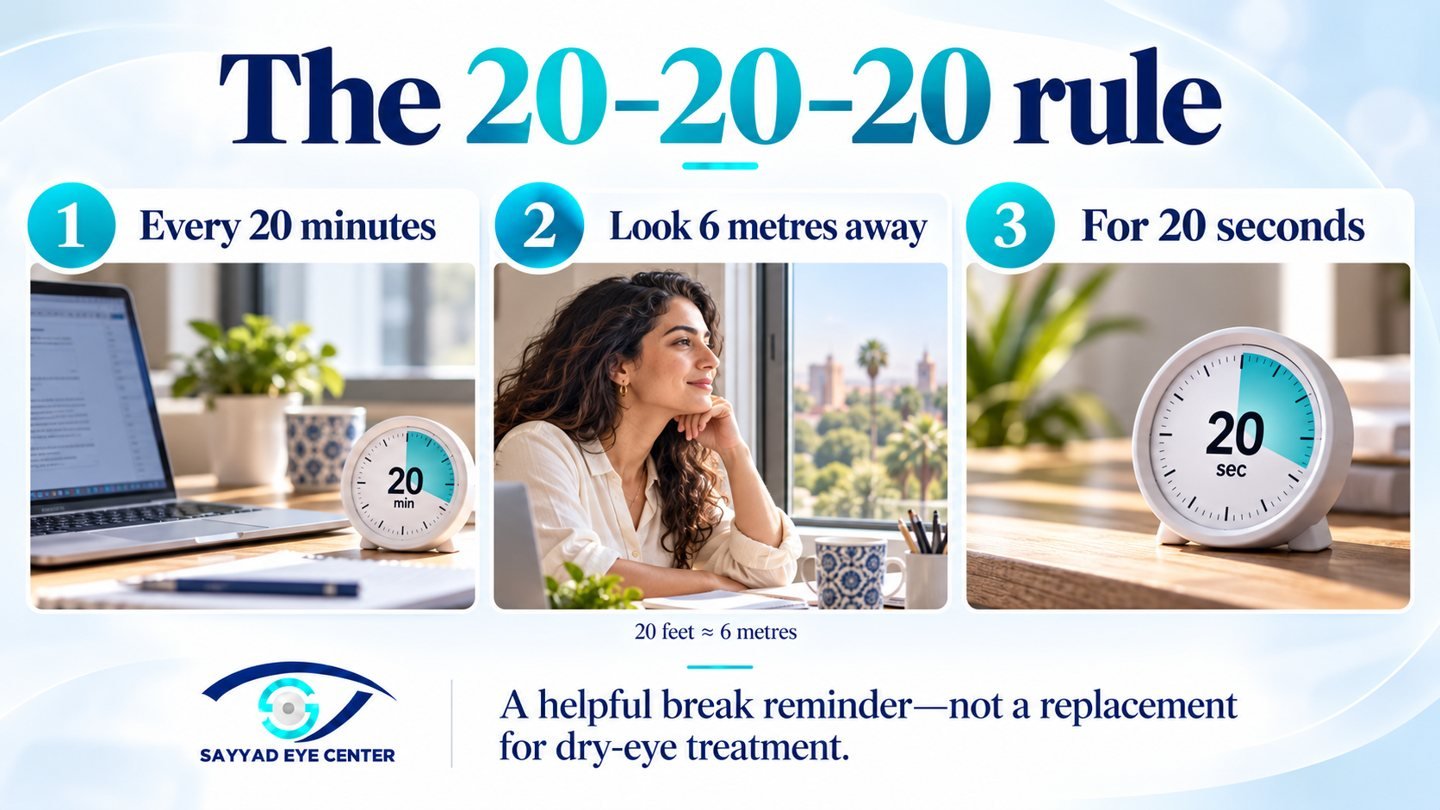
Use the pause to make a few gentle, complete blinks and relax your shoulders. Also take longer breaks from continuous desk work when practical.
How strong is the evidence? A small study of 29 symptomatic computer users found that two weeks of reminders reduced reported eye-strain and dryness symptoms. It did not demonstrate improvement in measured tear-film or ocular-surface signs, and the symptom benefit was not maintained after reminders stopped.
The rule is a useful reminder, not a precisely proven optimum or a substitute for treating dry-eye disease. There is no universal number of daily screen hours that guarantees freedom from symptoms.
Set up your screen for comfortable vision
Place a desktop screen roughly an arm's length away—often around 50–70 cm—and slightly below eye level. Adjust this to your prescription and the task. You should not need to lean forward, lift your chin or squint to read.
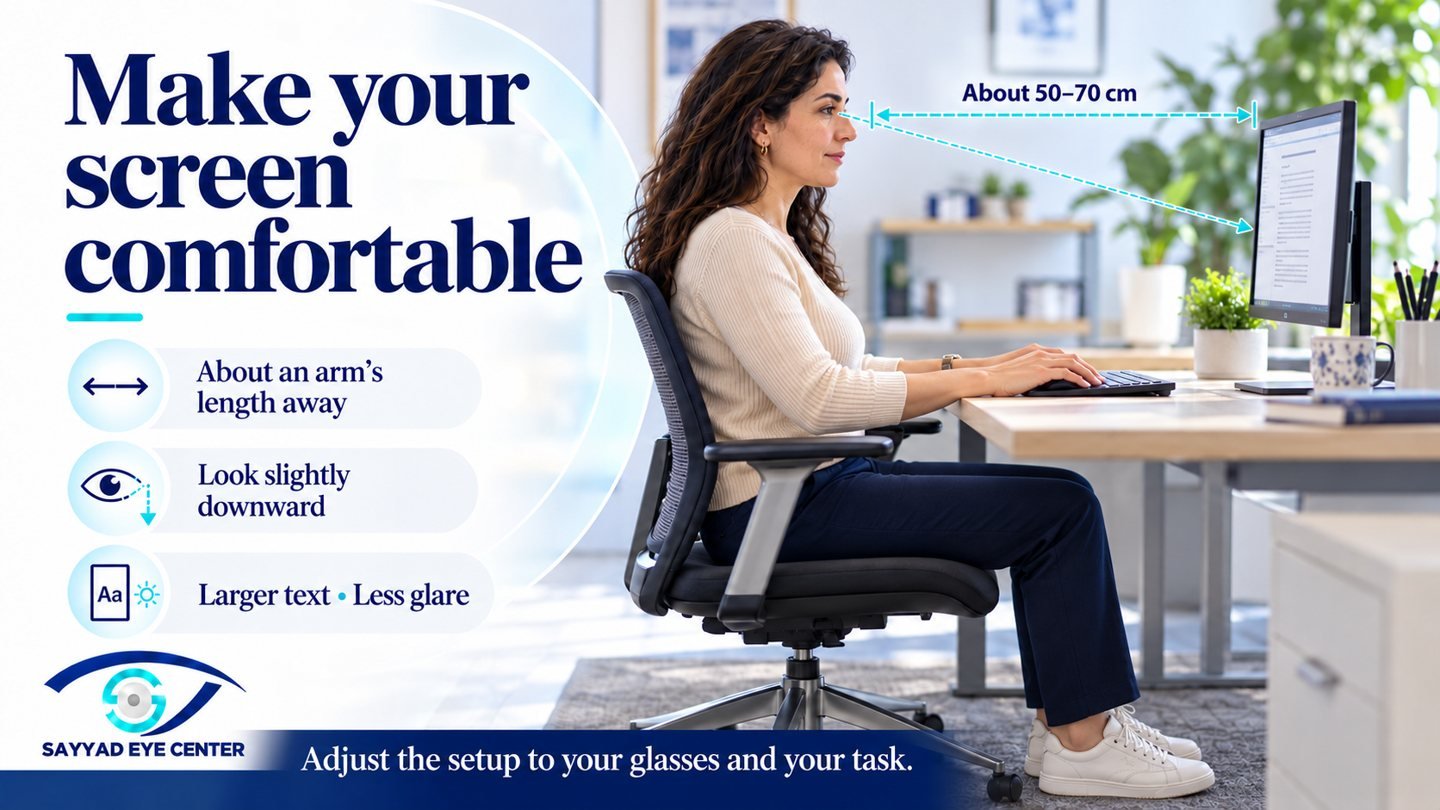
Increase text size. Move the screen or change the lighting to reduce reflections. Match screen brightness to the room rather than using a very bright display in a dark space. Keep your chair and screen positioned so your neck and shoulders are comfortable.
For long tasks, a larger display may make it easier to read comfortably than a small phone. No screen technology or display setting is guaranteed to eliminate eye strain for everyone.
Blue light: three different questions
Does screen light damage the retina? The AAO states that blue light from normal digital-device use has not been shown to harm the eyes. Laboratory findings under different exposure conditions should not be presented as proof that everyday screen use damages the retina.
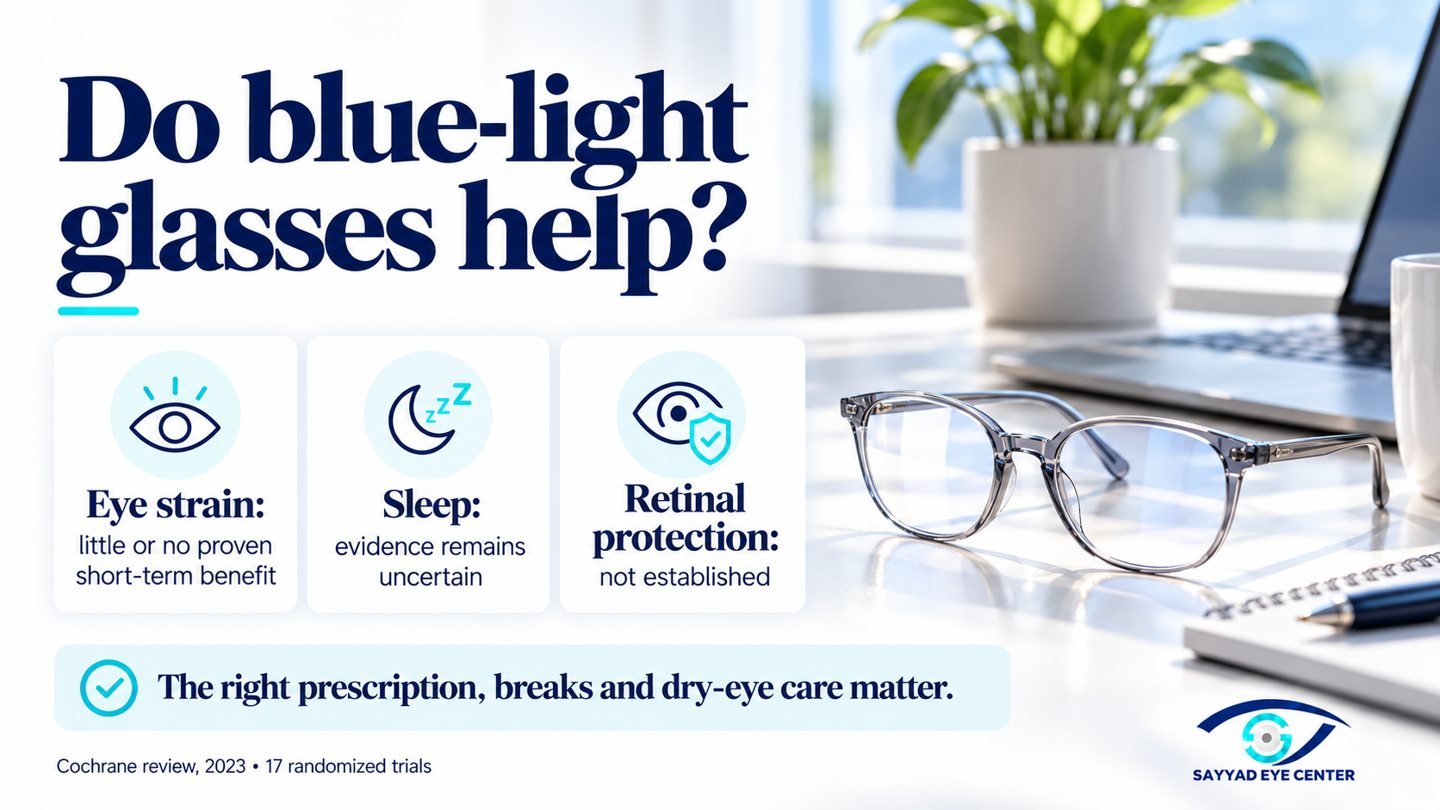
Do blue-light glasses relieve eye strain? A 2023 Cochrane review of 17 randomized trials found that blue-light filtering lenses may offer little or no short-term benefit for computer-related eye strain compared with lenses without the filter. Long-term evidence was limited, sleep findings were uncertain, and protection against macular disease was not established.
Can evening screen use affect sleep? Light exposure and stimulating screen activities can affect sleep. Reducing screen use before bed is sensible. A warmer display setting may feel more comfortable, but it does not make late-night screen use harmless to sleep or replace a regular sleep routine.
A suitable glasses prescription may help even when blue-light filtering is unnecessary. Anti-reflection coatings and blue-light filters are different features; neither corrects an unsuitable prescription.
What if you already have dry eyes?
Start by avoiding direct airflow towards the eyes and remembering complete blinks. Lubricating drops may help; preservative-free preparations are often preferable when frequent use is needed. Contact-lens users should check that their drops are compatible and may find periods in glasses more comfortable.
If blocked eyelid oil glands or blepharitis are present, treatment may include appropriate warm compresses and lid care. Persistent inflammation or other causes may need prescription treatment after assessment. Do not start steroid, antibiotic or numbing drops to get through the working day.
The treatment depends on the findings. Our separate dry-eye guide explains the wider options in more detail.
What do we check at an appointment?
Tell us when symptoms start, how long you use screens, whether you wear contact lenses and whether rest or blinking helps. Bring your current glasses and drops, and tell us your usual working distance.
The examination may include vision and prescription testing, assessment of the eyelids and tear film, and checks of near focusing and eye coordination when indicated. Dry-eye tests are selected according to the findings. Normal distance vision (6/6) does not exclude a problem during prolonged near work.
Children and screen time
For children, breaks from near work, an appropriate viewing distance and regular outdoor activity matter. Aim to make outdoor time part of everyday life; around two hours daily is commonly encouraged when practical, with suitable sun protection. Outdoor time helps reduce the risk of developing short-sightedness, but does not reverse established myopia.
Computer vision syndrome and myopia are different issues. A child who repeatedly squints, holds a screen very close or struggles to see the classroom board needs an eye examination. Avoid assuming that blue-light glasses will prevent short-sightedness.
When should you seek help?
Arrange an examination if symptoms keep returning, interfere with work or remain despite changes to your routine. Dry-eye disease and prescription problems may need treatment beyond screen breaks.
Seek urgent assessment for sudden loss of vision, significant pain, a markedly red eye with light sensitivity, new double vision, or new flashes, floaters or a curtain in your vision. A painful red eye in a contact-lens wearer also needs prompt attention. These are not symptoms to dismiss as ordinary computer fatigue.
Frequently asked questions
Why does blinking clear my vision for a moment?
Blinking refreshes the tear film. Temporary improvement suggests that the eye surface may be contributing, although it does not establish the diagnosis by itself.
Should I buy computer glasses?
Only if your visual needs justify them. A prescription suited to your working distance can help, particularly with age-related near-focus changes. Computer glasses do not have to contain a blue-light filter.
Is dark mode better?
Choose the setting that makes text easiest to read comfortably. Dark mode is a preference, not an established treatment for computer vision syndrome.
Will laser vision correction prevent it?
No procedure prevents every cause of screen-related discomfort. Laser correction may reduce dependence on glasses in suitable patients, but dryness, near-focus changes and working habits can still matter.
How quickly should I improve?
Some discomfort settles after a break or a workstation adjustment. Persistent dry eye or a prescription problem may take longer and need specific treatment. There is no single recovery timetable for everyone.
Do I need to stop working on a computer?
Usually the goal is to address the cause and make necessary screen work more comfortable. If you regularly have to work through pain or persistent blur, arrange an examination rather than simply tolerating it.
Computer vision syndrome assessment at Sayyad Eye Center
If screen discomfort is affecting your work, reading or study, we can assess the possible causes and discuss practical treatment at our Mohandeseen or New Cairo center.
Medical review
Medically reviewed by Dr Fouad El Sayyad
American Board certified ophthalmologist
Fellowship in Cornea, External Eye Disease and Refractive Surgery
Washington University in St Louis, USA